
Getting started for coaches on the CritiqueMyDance platform is easy and the first thing that needs to happen is to go through the onboarding process. This is basically completing your coach profile so you're ready to receive critique requests from the students and get paid. A coach profile is essential and we're going to give you an overview on registering for an account on the platform. For detail explanation on each section check out the Coaches - Editing Your Profile article.
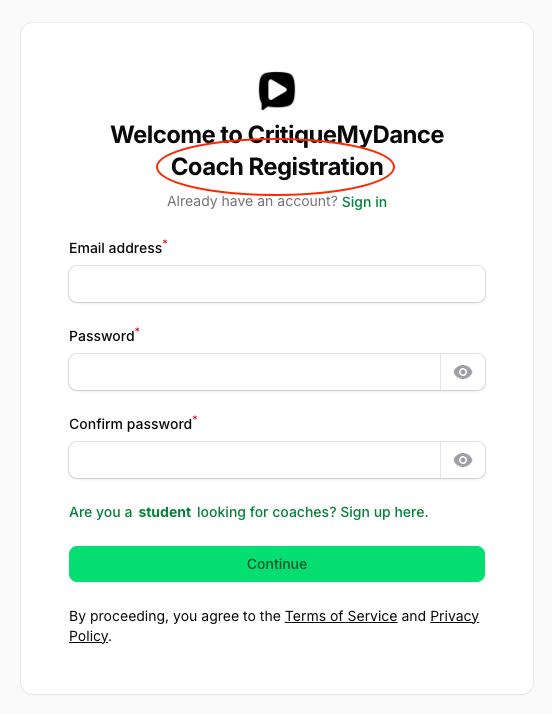
Start with signing up on the platform. Make sure you sign up on the Coach Registration page (green theme) and not on the Student Registration (red theme).
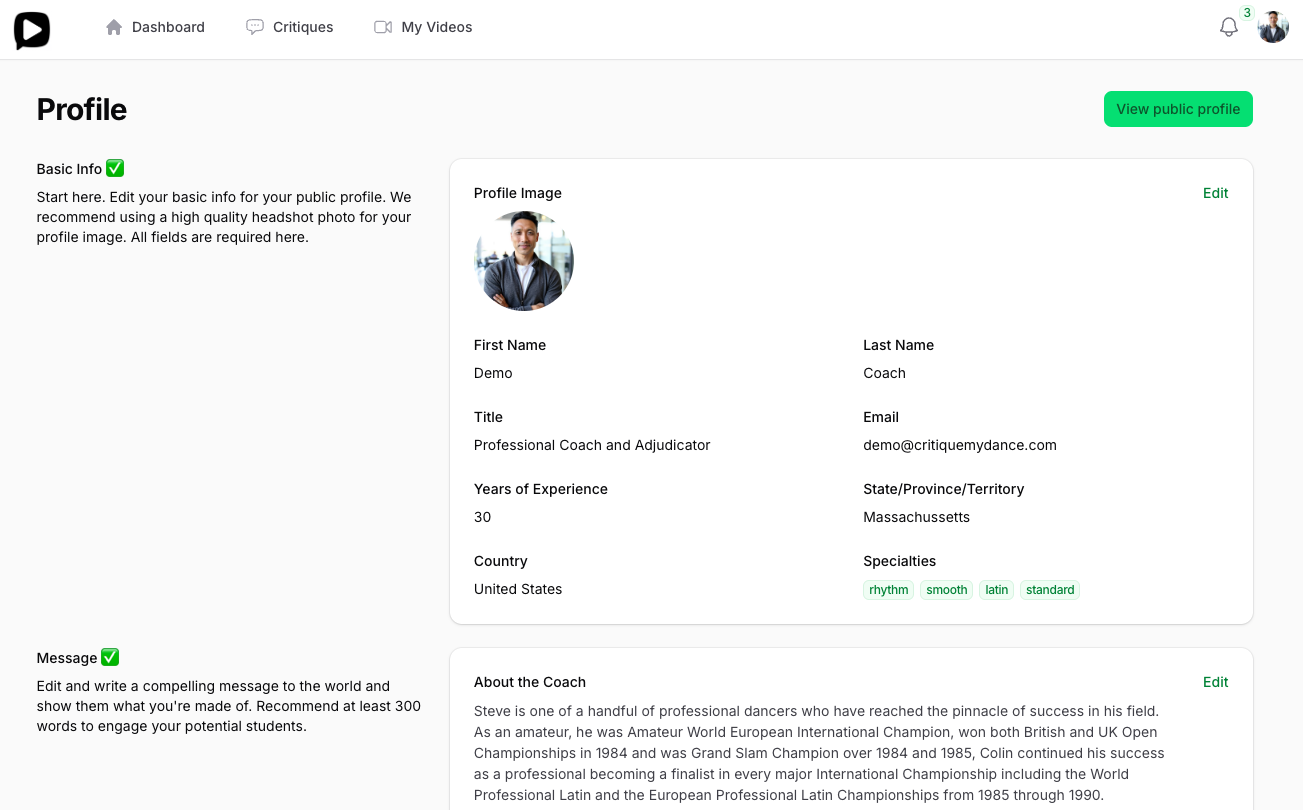
Once you register and confirm your email, you'll be directed straight to your Profile page. This is where you edit your public facing information and you have full control on what the public sees.
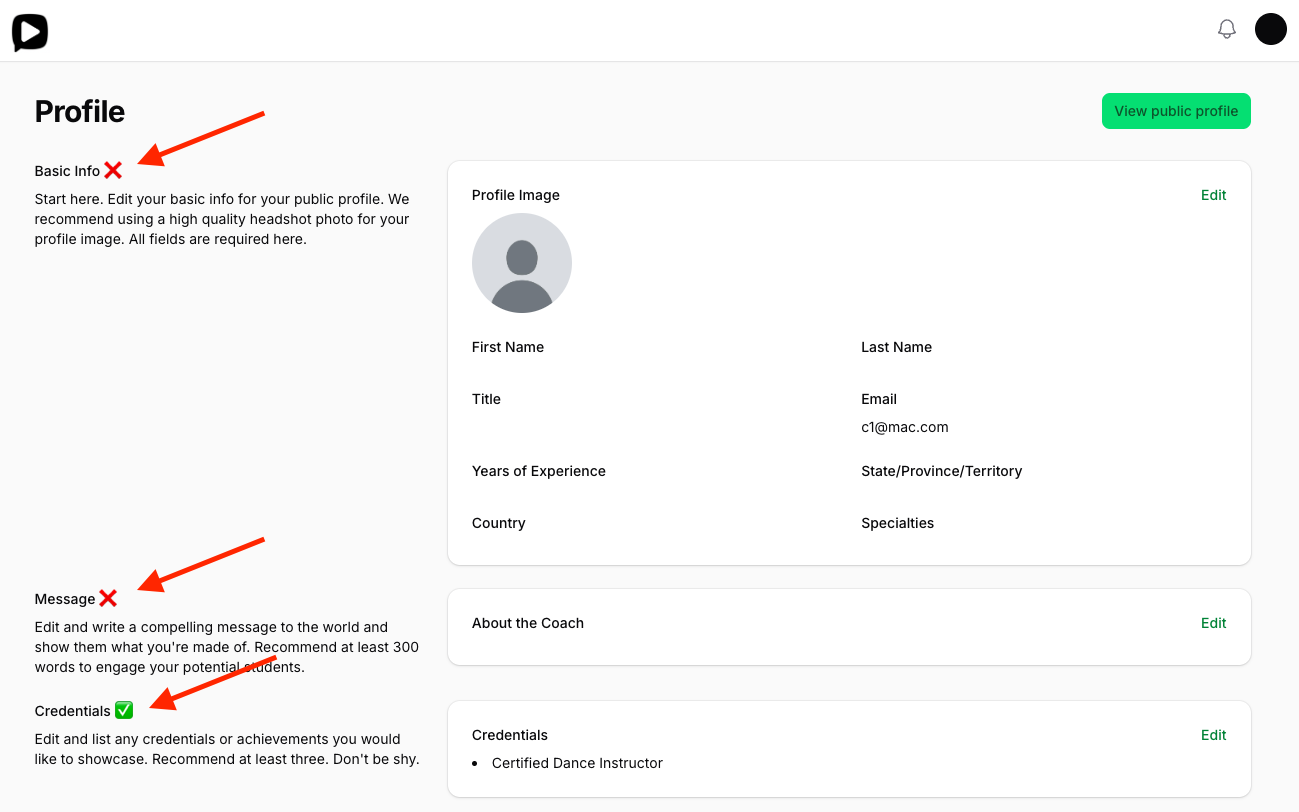
Edit each section until the section header on the left hand side shows a green check mark ✅ otherwise it'll show as a red ❌ to indicate it needs to be completed. Do this until all the sections have the green check mark ✅.
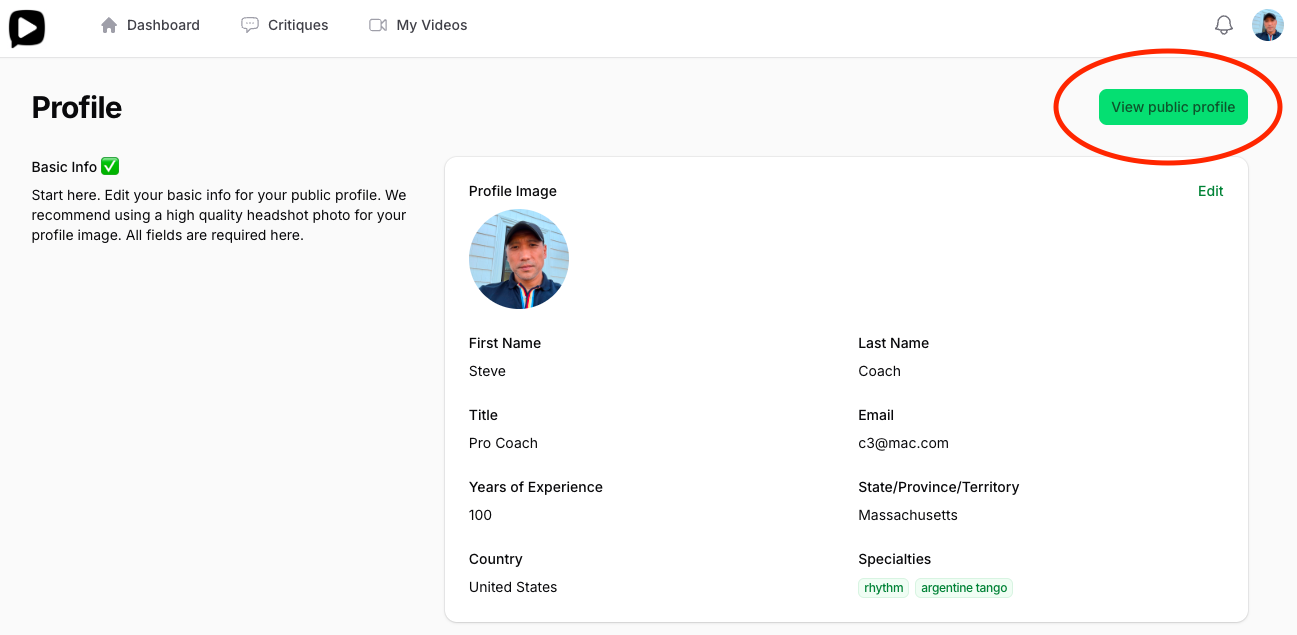
You can view your public profile any time to see how it would look from your Profile page or your Dashboard page. This is the public view the students will see on the platform so please take notice on the accuracy, spelling, and grammar of your profile.
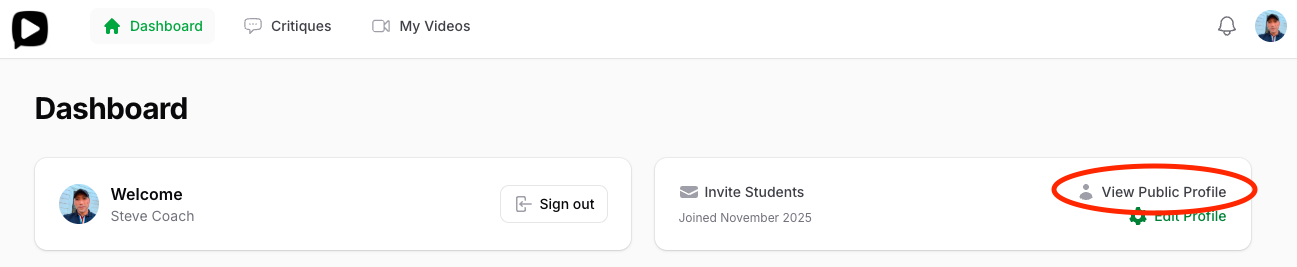
Once you're happy with your profile, you can make it public so it's visible. Originally, your profile is hidden. All you have to do is flip the switch on in the Visibility section. Note: you can make your profile visible anytime even if your profile is not complete, however, students will not be able to purchase a critique request until all the sections are complete.
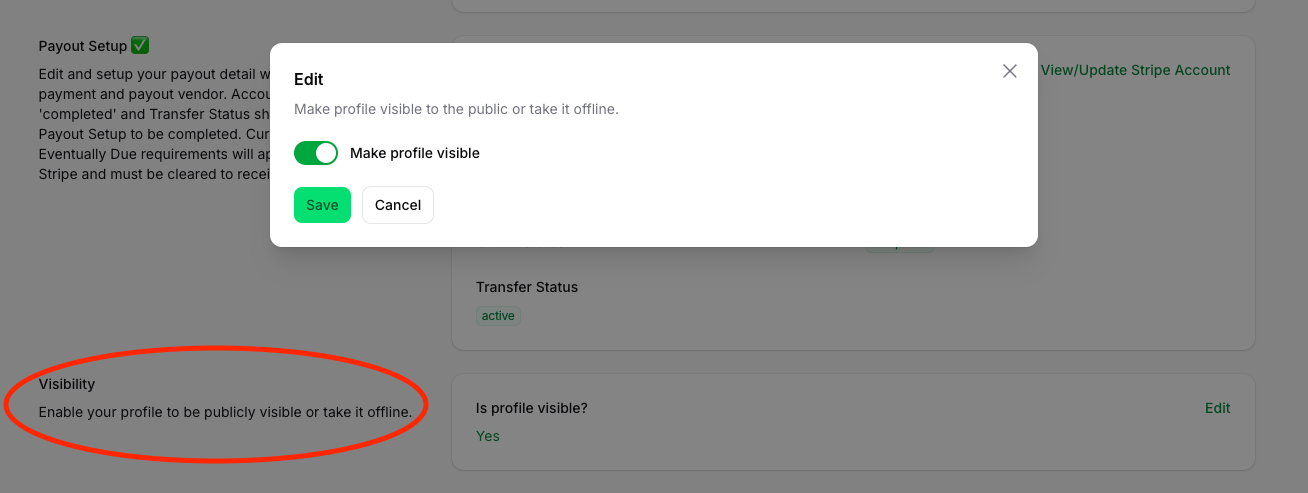
That's it. Your profile is now ready to receive critique requests. You can update your profile anytime.
Feel free to contact support@critiquemydance.com for any further guidance or help.