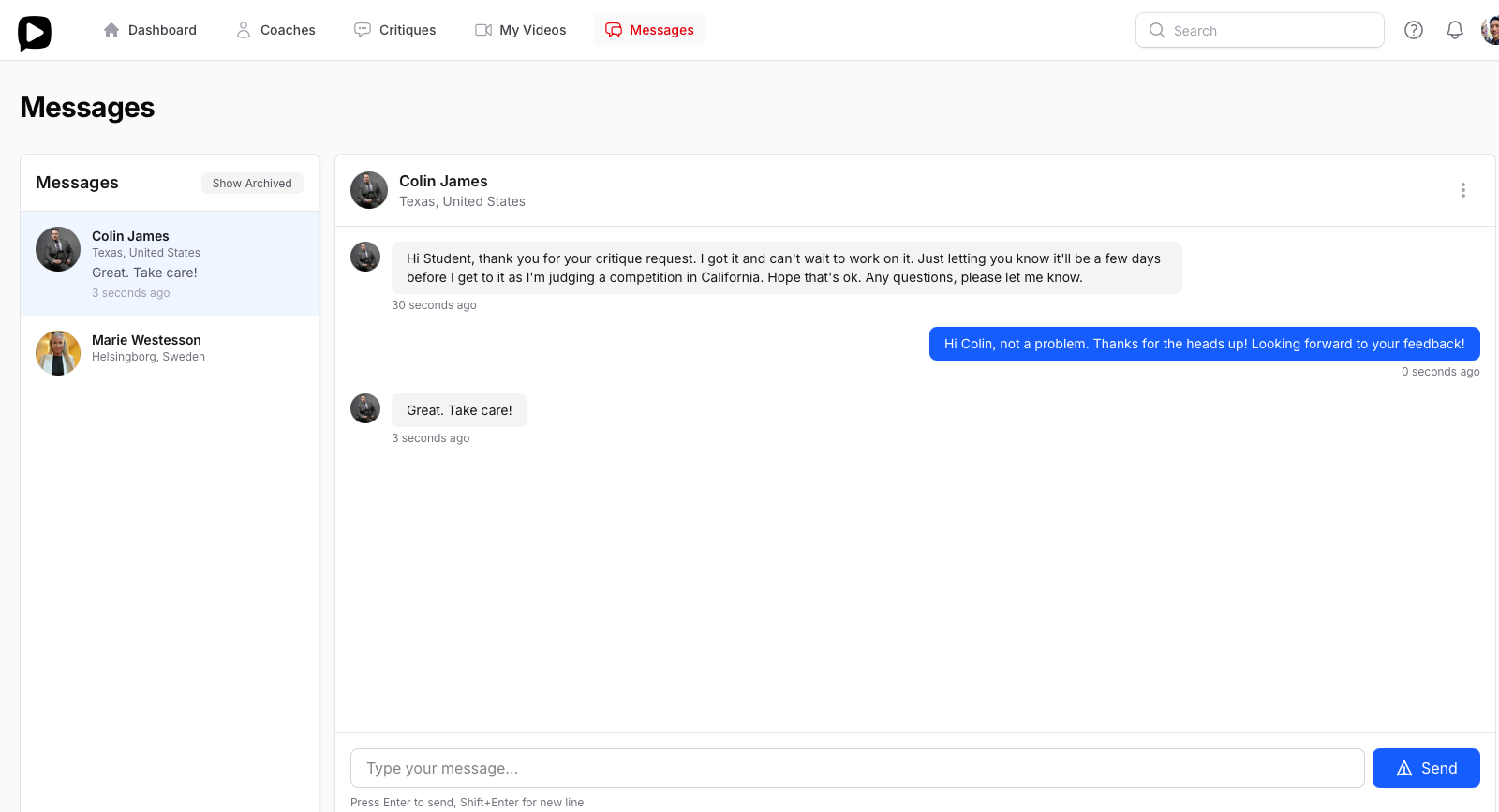
Ever submitted a critique request and wondered if your coach received it? Or needed to ask a quick follow-up question about feedback but didn't have your coach's email? We've built our messaging system specifically to solve these communication gaps.
When you're working to improve your dancing, clear communication with your coach matters. Our platform keeps everything in one place so you can focus on what's important—getting better on the dance floor.
How It Works
Students can message coaches directly from their profile or send a quick note while submitting a critique request. Whether you need to clarify something about your video, ask about timing, or just check in, it's all right there. Coaches receive instant notifications when they're online, and email alerts when they're away, so nothing falls through the cracks.
Coaches can message students back or if a critique request was sent to them, coaches can initiate a conversation with the requesting student.
The messaging works in real-time when both parties are online, making conversations feel natural and immediate. And because everything lives within your CritiqueMyDance account, there's no need to exchange personal email addresses or juggle multiple platforms.
There are a few things you can do with a message:
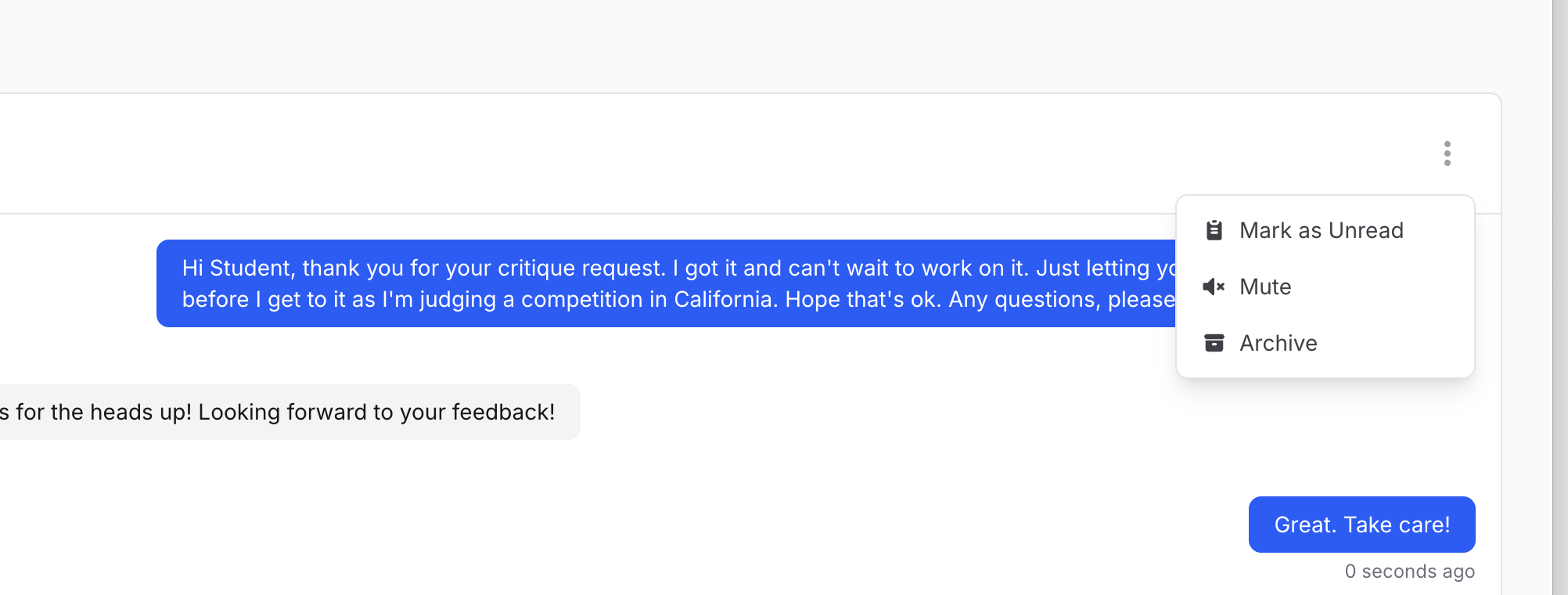
Mark as Unread
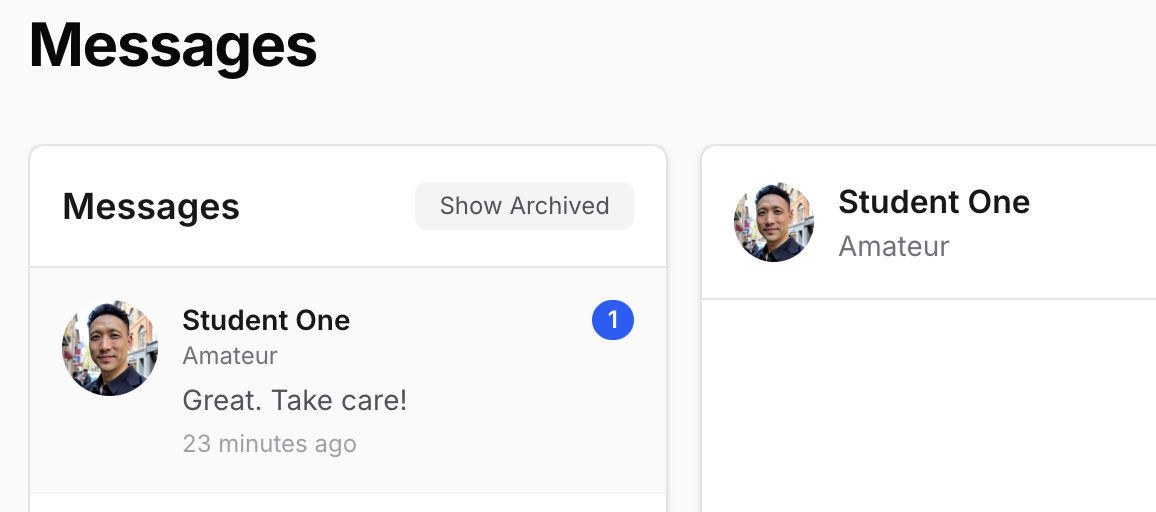
You can mark a message as Unread to show the notification message number next to the person you're messaging. This is useful if you want to remind yourself to read the message again later.
Mute
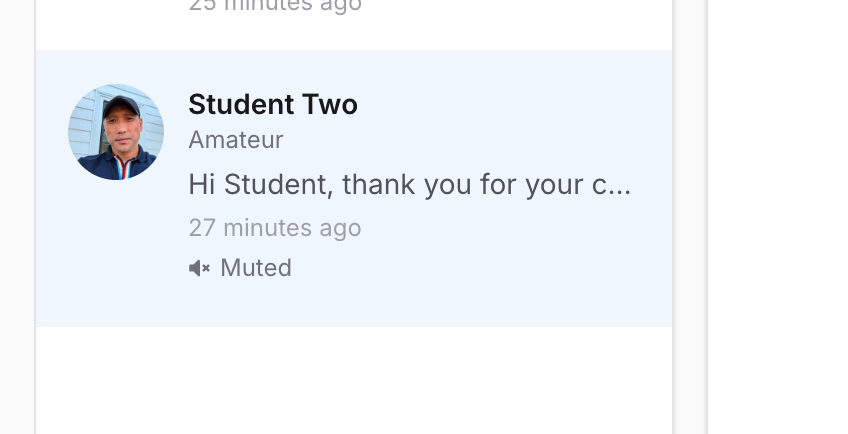
You can mute your conversation and that will disable all notifications such as sending messages to the notification bell at the top right corner of your browser screen (next to you profile photo) and email messages if you're offline. This is useful if you don't need any additional notifications from the person you are messaging. You can toggle this on and off anytime.
Archive
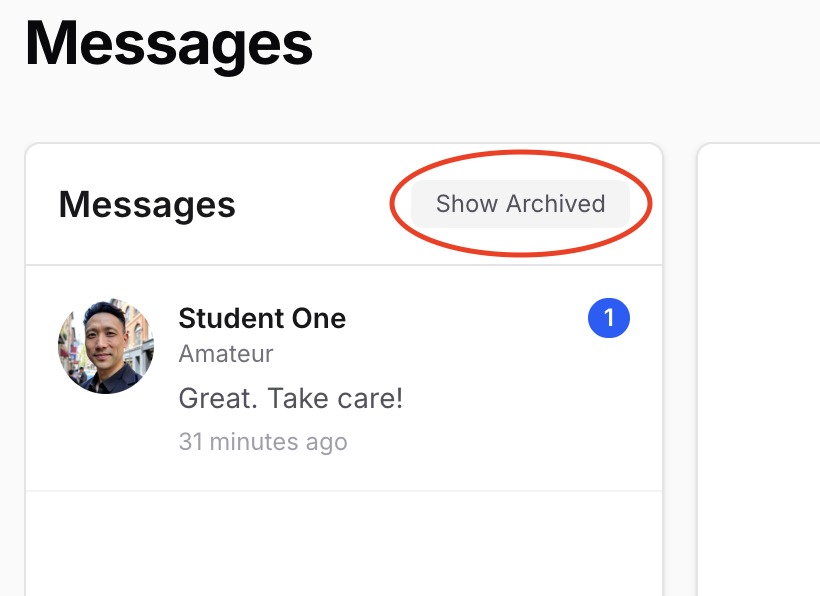
You can archive your message and this will move your message from the active screen to the archive screen so you can keep your active screen clean and uncluttered. You can always Unarchive it back to the active screen anytime.
Real-World Example
Here's a common scenario: You submit a critique request, but your coach is away judging at a major competition. Instead of leaving you wondering, they can quickly send a message saying "Got your video! I'm judging this weekend but will have your detailed feedback by Tuesday." That simple heads-up sets clear expectations and shows their commitment to your progress, even when they're busy.
This kind of proactive communication builds trust and strengthens the coach-student relationship. You're not left wondering if something went wrong, and coaches can manage their workload transparently.
Why It Matters
Dance improvement happens through ongoing dialogue, not just one-way feedback. Our messaging feature ensures that conversation can flow naturally throughout your coaching relationship. Whether you're asking for clarification on a technical point, discussing your competition schedule, or simply saying thanks, it's all streamlined into one platform you already use.
No more searching through email threads or worrying about messages getting lost. Everything related to your dance improvement lives in one organized space.
Ready to experience better communication with your coach? Sign up for CritiqueMyDance today and see how seamless coaching can be.